If you run a business in Kenya, you have probably heard about eTIMS when dealing with invoices, expenses or tax compliance.
But what exactly is eTIMS, and what does it mean for your business?
eTIMS stands for electronic Tax Invoice Management System. It is KRA's electronic invoicing system, designed to allow businesses to generate electronic tax invoices and maintain invoicing records digitally. KRA describes it as a software solution that can be accessed through computers, laptops, tablets and smartphones.
For a small business, eTIMS might simply mean creating an invoice through a web portal or phone.
For a larger company, it can mean connecting an existing POS, ERP or invoicing system directly to KRA.
Understanding that distinction makes eTIMS much easier to understand.
What does eTIMS actually do?
At its simplest, eTIMS records a business transaction and creates an electronic tax invoice.
Suppose you operate a shop and sell an item for KSh 2,500.
The transaction has information such as:
- what was sold
- how many units were sold
- the selling price
- applicable taxes
- customer information where required
- payment information
- the date of the transaction
eTIMS provides a structured way of recording that sale and generating the appropriate electronic invoice.
The important point is that eTIMS is not an accounting system or a complete POS system by itself.
Its primary role is electronic invoicing.
Your business may still use separate software for stock management, employee attendance, purchasing, accounting, customer management and reporting.
Larger businesses can connect those systems to eTIMS so that invoicing becomes part of the normal sales process.
Who needs to use eTIMS?
One of the most common misunderstandings is that eTIMS is only for businesses registered for VAT.
It is not.
KRA currently states that persons engaged in business are generally required to onboard onto eTIMS and issue electronic tax invoices, whether or not they are registered for VAT.
That can include:
- companies
- sole proprietors
- partnerships
- associations
- trusts
- landlords with relevant business income
- businesses registered for turnover tax
- businesses in the informal sector
- businesses supplying VAT-exempt goods or services
There are specific arrangements and exceptions depending on the transaction.
For example, KRA states that where supplies are purchased from certain small businesses with annual turnover not exceeding KSh 5 million, the purchaser may issue the tax invoice on behalf of the supplier through buyer-initiated invoicing.
So the correct approach is not to assume that your business is exempt simply because it is small or not VAT-registered.
Why did KRA introduce eTIMS?
Electronic invoicing gives KRA a more structured digital record of business transactions.
For businesses, it also creates a standardized way of producing and keeping tax invoices.
KRA lists several benefits of eTIMS, including maintaining invoice records, supporting inventory management in applicable solutions, reducing compliance costs and simplifying some tax processes.
There is also an important connection between eTIMS and business expenses.
KRA states that business expenses generally need to be supported by electronic tax invoices for tax purposes, subject to specified exclusions.
This means eTIMS affects both sides of a transaction.
If you are selling, you may need to issue the correct invoice.
If you are buying something for your business, you also need to think about whether you have the appropriate supporting invoice for that expense.
Is eTIMS the same as a normal receipt?
Not exactly.
A receipt traditionally proves that a customer paid for something.
An eTIMS invoice is an electronic tax invoice generated through an approved eTIMS invoicing process.
A business may still provide a printed receipt to a customer, but the underlying transaction can also be recorded electronically through eTIMS.
This becomes particularly important in businesses using POS systems.
A cashier should ideally not have to think of the sale and tax invoice as two completely separate transactions.
With a properly integrated system, completing the sale can also handle the associated invoicing workflow.
How do you access eTIMS?
There is no single eTIMS application that every Kenyan business must use in exactly the same way.
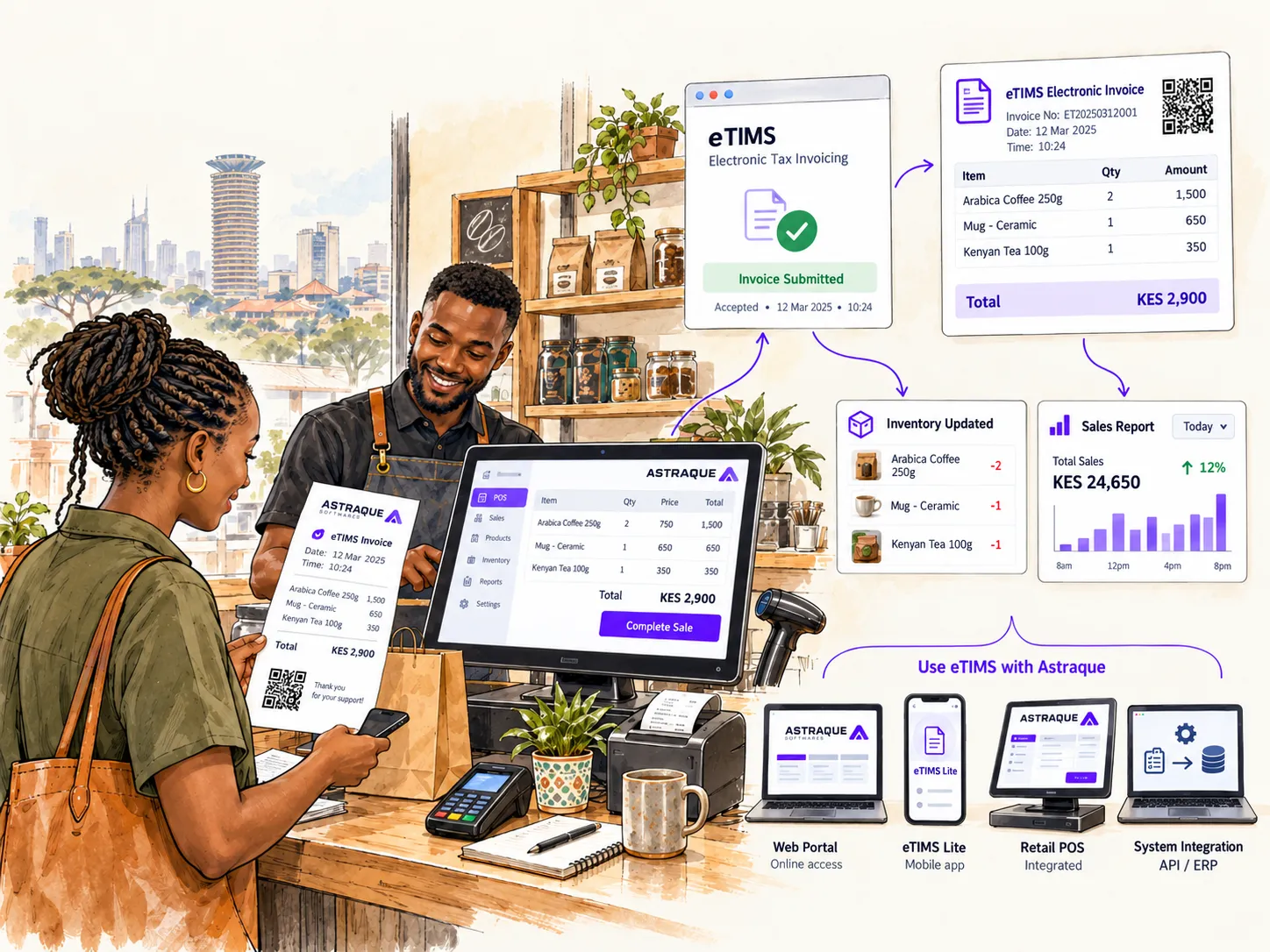
KRA currently provides several options.
eTIMS Online Portal
The Online Portal is accessed through a web browser.
It allows businesses to log in and create invoices online without installing a full desktop application.
This can work well where the number of invoices is manageable and the business does not require complicated integration with other systems.
eTIMS Client
The eTIMS Client is downloadable software.
KRA says it supports environments with multiple branches and cashier tills or pay points and can operate on supported Windows and Android devices.
This makes it more suitable for businesses dealing with physical sales operations than a simple browser portal in some situations.
eTIMS Lite
KRA also provides simplified eTIMS Lite options.
These include:
- eTIMS Lite through eCitizen
- eTIMS Lite through USSD
- eTIMS Lite mobile applications
KRA specifically describes eTIMS Lite as being designed for small and micro non-VAT taxpayers.
For a small sole proprietor issuing relatively few invoices, this can be much simpler than implementing a full POS integration.
System-to-system integration
This is where eTIMS becomes particularly important for larger businesses.
If your business already uses an invoicing system, POS or ERP, KRA provides system-to-system integration through an API.
The two main approaches are:
- VSCU — Virtual Sales Control Unit
- OSCU — Online Sales Control Unit
KRA describes VSCU as suitable for system-to-system integration involving extensive or bulk invoicing, including environments that are not always online.
OSCU is designed for businesses using online invoicing systems.
Instead of entering a sale in your POS and then manually entering the same sale somewhere else, the systems can form part of one invoicing workflow.
Which eTIMS option should your business use?
There is no universal answer.
The right choice depends on how your business operates.
A consultant issuing a handful of invoices every month has very different needs from a supermarket processing thousands of items every day.
A small non-VAT business may find eTIMS Lite sufficient.
A service business may be comfortable using an online portal.
A retailer with several tills may need software designed around cashier operations.
A company already running a custom POS or ERP may be better suited to system-to-system integration.
Before choosing a solution, think about:
- how many transactions you process
- whether you sell goods, services or both
- whether you have multiple branches
- whether you already have a POS or ERP
- how many cashiers use the system
- whether your internet connection is always available
- whether inventory needs to update automatically
- whether you need management reports
- whether you want invoicing integrated with other parts of the business
The easiest option today is not always the best option once your business grows.
Is eTIMS free?
KRA states that its eTIMS software solutions are provided free of charge, including the online portal and eTIMS Client.
However, this does not mean every eTIMS implementation costs nothing.
If you have a custom POS or ERP and want it integrated with eTIMS, there can be software development, implementation, infrastructure or third-party integration costs.
Think of it this way:
Using KRA's own portal is one thing.
Building eTIMS into the software running your entire business is another.
The latter involves much more than simply opening an eTIMS account.
Can you use more than one eTIMS solution?
Yes.
KRA currently allows taxpayers to register for more than one eTIMS solution and generate invoices through different solutions.
Invoices generated from the different solutions can be accessed through the online taxpayer portal.
However, each solution maintains its own invoice sequence.
There is also an important rule regarding corrections: KRA states that a credit note must be generated through the same solution that originally generated the invoice.
That is particularly important for businesses operating several branches or mixing different invoicing methods.
Your staff should know which system is responsible for which transactions.
How does eTIMS work with a POS system?
This is where many businesses misunderstand eTIMS.
Your POS and eTIMS do not have to be completely separate worlds.
Imagine a customer walking into a supermarket.
The cashier scans five products.
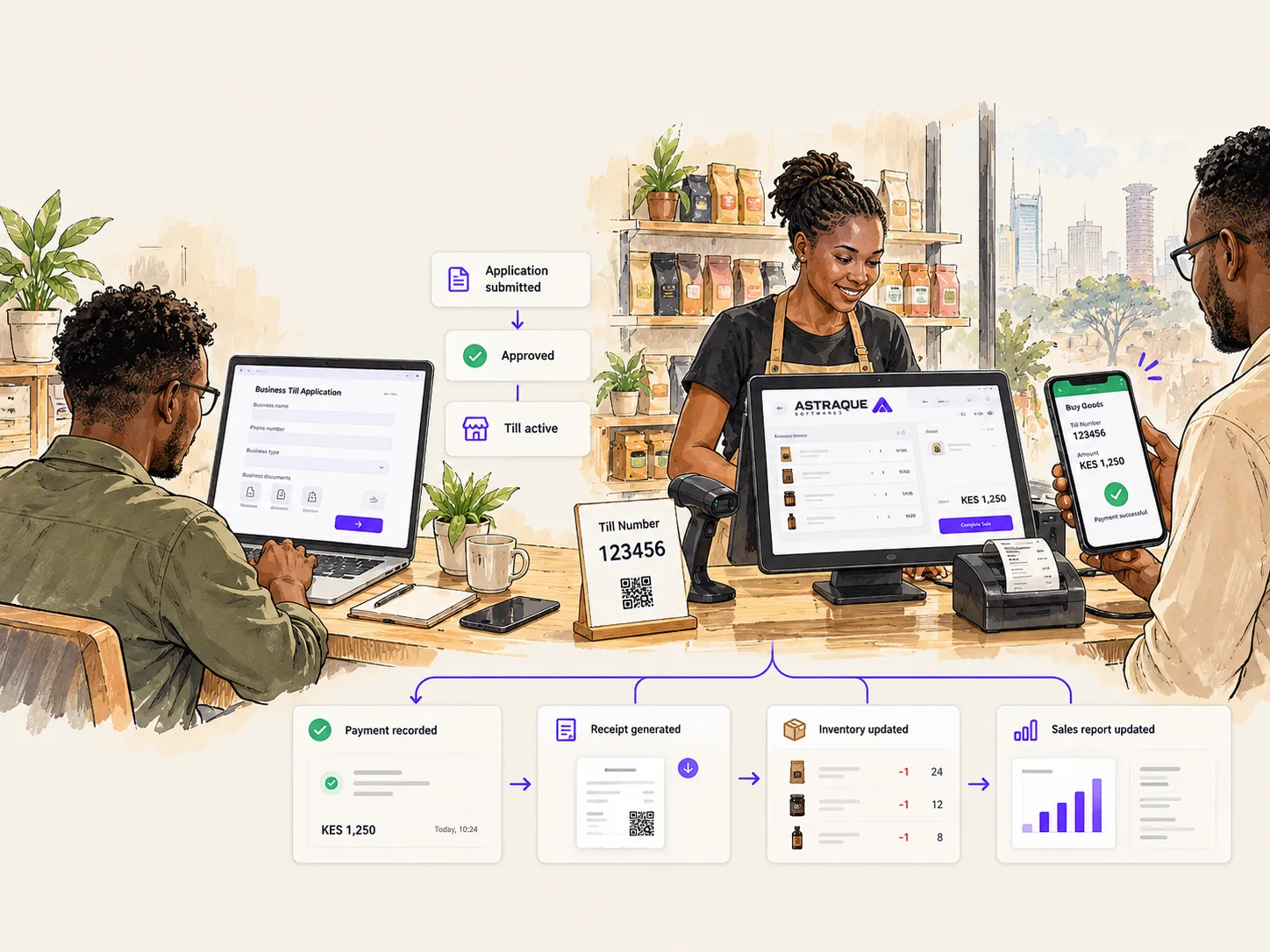
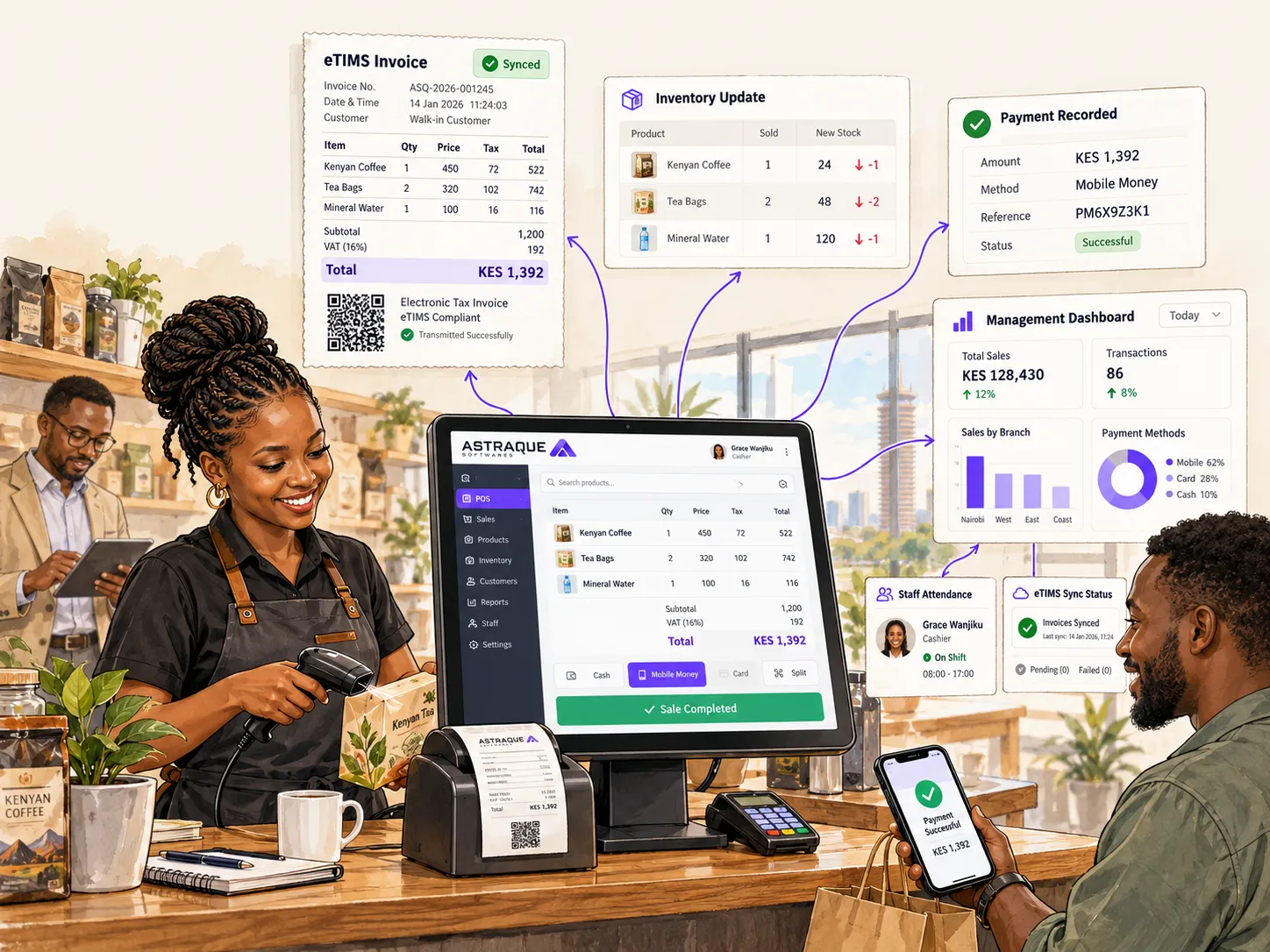
A properly designed POS could handle several things from that single transaction:
- Calculate the sale.
- Record the payment.
- Reduce inventory.
- Record which cashier processed the transaction.
- Update the branch's sales figures.
- Update management reports.
- Handle the electronic invoicing workflow.
- Store the transaction for future reporting.
From the cashier's perspective, it remains one sale.
The complexity is handled by the software behind the counter.
That is the advantage of integration.
eTIMS does not replace your POS or ERP
It is useful to make this distinction clear.
eTIMS handles electronic tax invoicing.
A complete business management system can do much more.
A POS or ERP can potentially manage:
- inventory
- sales
- suppliers
- customers
- purchases
- staff accounts
- employee attendance
- branch operations
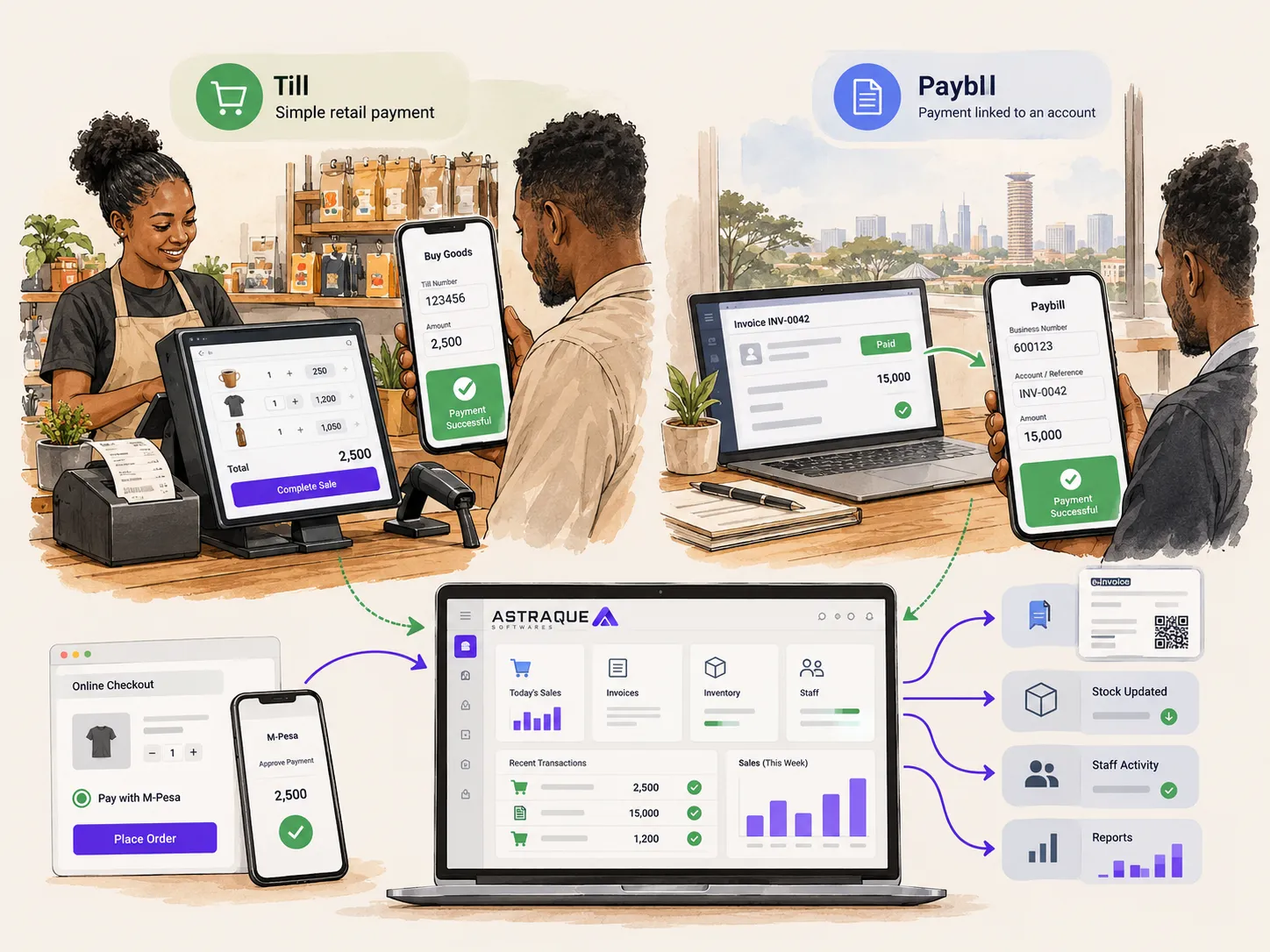
- M-Pesa payments
- expenses
- dashboards
- management reports
- permissions
- invoicing
eTIMS can then form part of that wider system.
This distinction becomes increasingly important as a business grows.
You do not want your staff manually moving the same information between five different applications if those systems can work together.
What happens if your business has several branches?
Multi-branch businesses need to think about more than simply generating an invoice.
Management may need to know:
- which branch made the sale
- which cashier processed it
- what stock remains at each location
- how much each branch sold today
- which products are moving fastest
- which payments were made through M-Pesa
- whether staff reported to work
- whether transactions and invoices reconcile correctly
This is where a basic invoicing application and a complete business system begin to look very different.
eTIMS can handle the tax invoicing component, while your POS or ERP manages the wider operation.
What happens when you make a mistake?
Sometimes an invoice needs to be corrected.
Perhaps the wrong quantity was entered, a transaction was reversed or a customer returned an item.
Electronic invoicing systems maintain a record of those changes rather than treating an issued invoice as though it never existed.
KRA supports credit notes for correcting relevant transactions.
If several eTIMS solutions are being used, remember that the credit note needs to come from the solution that generated the original invoice.
That makes good internal processes important.
What does eTIMS mean for small businesses?
For many small businesses, eTIMS does not need to become a complicated software project.
If you issue a limited number of invoices, one of KRA's simpler solutions may be enough.
The important things are to:
- understand whether the requirements apply to you
- onboard correctly
- choose an appropriate solution
- record transactions correctly
- issue the appropriate invoices
- keep your records organized
Do not buy an expensive business system just because someone tells you that eTIMS requires one.
Use the complexity your business actually needs.
What does eTIMS mean for growing businesses?
For a growing business, the conversation changes.
You may start with one location and one cashier.
Then you add another branch.
Then inventory needs to move between branches.
More employees need accounts.
Owners want live reports.
M-Pesa payments need to reconcile.
Attendance needs to be tracked.
Invoices need to be issued consistently.
At that point, the problem is no longer simply:
"How do I generate an eTIMS invoice?"
It becomes:
"How do I make my entire operation work together?"
That is where a custom POS or ERP can become valuable.
Astraque Softwares builds POS and ERP systems around your business
Astraque Softwares builds custom POS and ERP systems for Kenyan businesses that have moved beyond simple sales recording.
Instead of forcing every business into the same generic workflow, the system can be designed around how your company actually operates.
Depending on your requirements, that can include:
- sales and invoicing
- inventory management
- multiple branches
- cashier accounts
- role-based permissions
- real-time attendance reports
- M-Pesa integration
- customer management
- supplier management
- management dashboards
- custom reports
- eTIMS-related workflows
Where direct system-to-system eTIMS integration is required, the implementation needs to follow KRA's applicable technical and integration requirements.
The goal is not simply to make another POS screen.
It is to remove unnecessary work from the business.
A cashier should focus on serving the customer.
A manager should be able to see what is happening.
And business owners should not have to manually combine information from several disconnected systems to understand their own company.
eTIMS is easier to understand when you separate invoicing from business management
The simplest way to think about eTIMS is this:
eTIMS is KRA's electronic tax invoicing system.
It gives Kenyan businesses several ways to generate electronic invoices, ranging from simple web and mobile tools to direct integration with existing business software.
For a small business, the simplest KRA solution may be all you need.
For a business processing large numbers of transactions, operating several tills or managing multiple branches, it may make more sense to incorporate eTIMS into the POS or ERP system already running the business.
The important thing is not to make eTIMS more complicated than it needs to be.
Choose a solution that fits the way your business operates today while considering where the business is going next.