If you run a business in Kenya, issuing an eTIMS invoice is now part of the normal process of recording sales and keeping your tax records in order.
KRA's Electronic Tax Invoice Management System, commonly known as eTIMS, allows businesses to generate electronic tax invoices and transmit invoicing information to KRA.
You do not necessarily need special hardware to use eTIMS. KRA provides several options, including the eTIMS Online Portal, eTIMS Client, eTIMS Lite and system-to-system integration for businesses that already use POS, accounting or ERP software.
For a business issuing only a few invoices, the online portal may be enough. For a supermarket, restaurant, wholesaler or other business processing many transactions, integrating eTIMS into a POS or ERP system can make much more sense.
This guide explains the basic process.
What you need before generating an eTIMS invoice
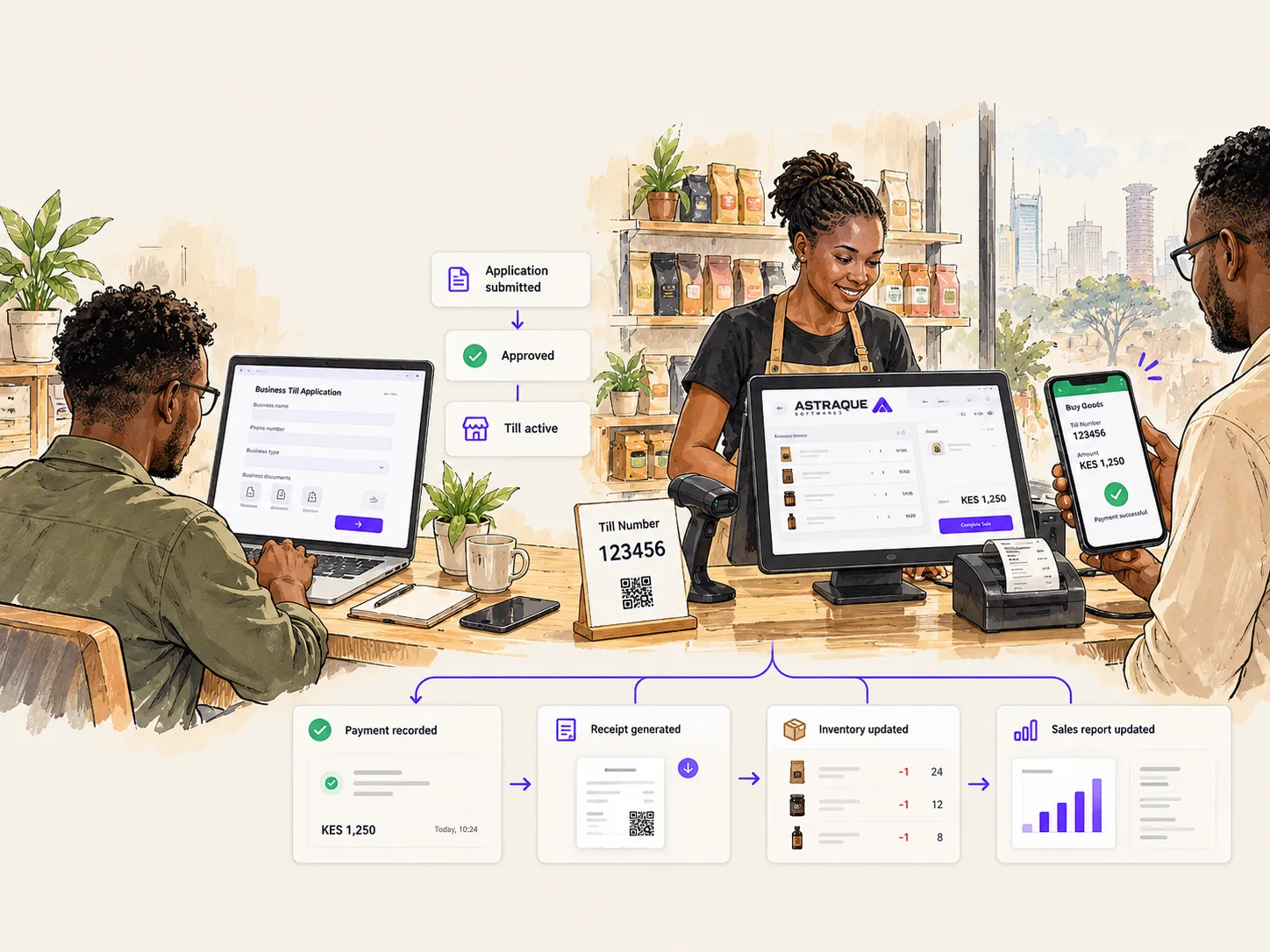
Before creating an invoice, your business must first be onboarded onto eTIMS.
You will normally need:
- Your KRA PIN
- Access to your eTIMS account
- The product or service being sold
- The customer's details where applicable
- The selling price
- The quantity
- The appropriate tax information
- The payment method
It is useful to register the products and services you sell regularly beforehand. This saves you from entering the same information every time you issue an invoice.
Log in to eTIMS
Start by signing in to the eTIMS platform using your registered credentials.
For the eTIMS Online Portal, your KRA PIN is used as the User ID.
Once logged in, you will have access to the sections used to manage items, customers and sales transactions.
Register the product or service
Before an item can be included on an invoice, it needs to exist in your eTIMS item list.
Open the item management section and check whether the product or service has already been registered.
If it has not, create a new item and provide the required information.
This can include:
- Item name
- Item classification
- Unit of measurement
- Tax category
- Selling price
- Other required product details
Take care when selecting the item classification and tax information because these affect how the transaction is recorded.
Once the item has been saved, you can reuse it in future invoices.
Add the customer when necessary
The amount of customer information you need depends on the type of transaction.
For a business-to-business transaction, you may need to register or select the customer from your existing customer records.
For a normal retail transaction involving an individual customer, fewer details may be required.
Keeping accurate customer records is particularly useful if your business regularly supplies other companies and needs to issue invoices to the same customers repeatedly.
Create a new sales transaction
Once your items and customer information are ready, go to the transaction section of eTIMS.
On the online portal, invoicing is handled through the sales receipt area.
Create a new transaction and select the appropriate customer where necessary.
You can then choose the payment method used for the sale.
Depending on the business, this may include methods such as cash, mobile money, bank payments or other supported payment options.
Add the products or services
Search for the product or service you previously registered and add it to the transaction.
Enter the quantity being sold and confirm the price.
If several products are being sold, add each one to the same transaction.
Before completing the invoice, verify that the following information is correct:
- Customer
- Products or services
- Quantities
- Prices
- Applicable tax
- Discounts
- Payment method
- Total amount
Checking these details before saving can save you from having to correct the invoice later.
Save and generate the invoice
Once everything is correct, save the transaction.
The sale will then appear in your transaction records.
You can open the completed transaction and download or print the resulting electronic invoice or receipt.
This is the document you can provide to the customer.
For businesses that generate only a small number of invoices, this process is relatively straightforward.
The challenge begins when you have to repeat it hundreds of times.
What happens if you make a mistake?
Mistakes sometimes happen after an invoice has already been generated.
You might enter the wrong quantity, select the wrong product or need to reverse a transaction.
You should not simply delete the transaction or ignore the incorrect invoice.
eTIMS supports credit notes that can be used to correct or reverse previously issued invoices.
The correction should be linked to the original transaction so that there is a clear record of what changed.
If your business uses more than one eTIMS solution, it is also important to remember that corrections generally need to be handled through the appropriate system associated with the original invoice.
You do not have to use the online portal
The eTIMS Online Portal is only one way of issuing electronic invoices.
KRA provides different solutions for different types of businesses.
Small businesses may use simpler eTIMS options, while companies with larger transaction volumes can use software designed for more complex operations.
For businesses that already have their own invoicing, POS or ERP systems, KRA also provides system-to-system integration.
This allows invoicing to become part of the normal business workflow instead of requiring employees to manually enter the same transaction into multiple systems.
Why manual eTIMS invoicing becomes difficult as a business grows
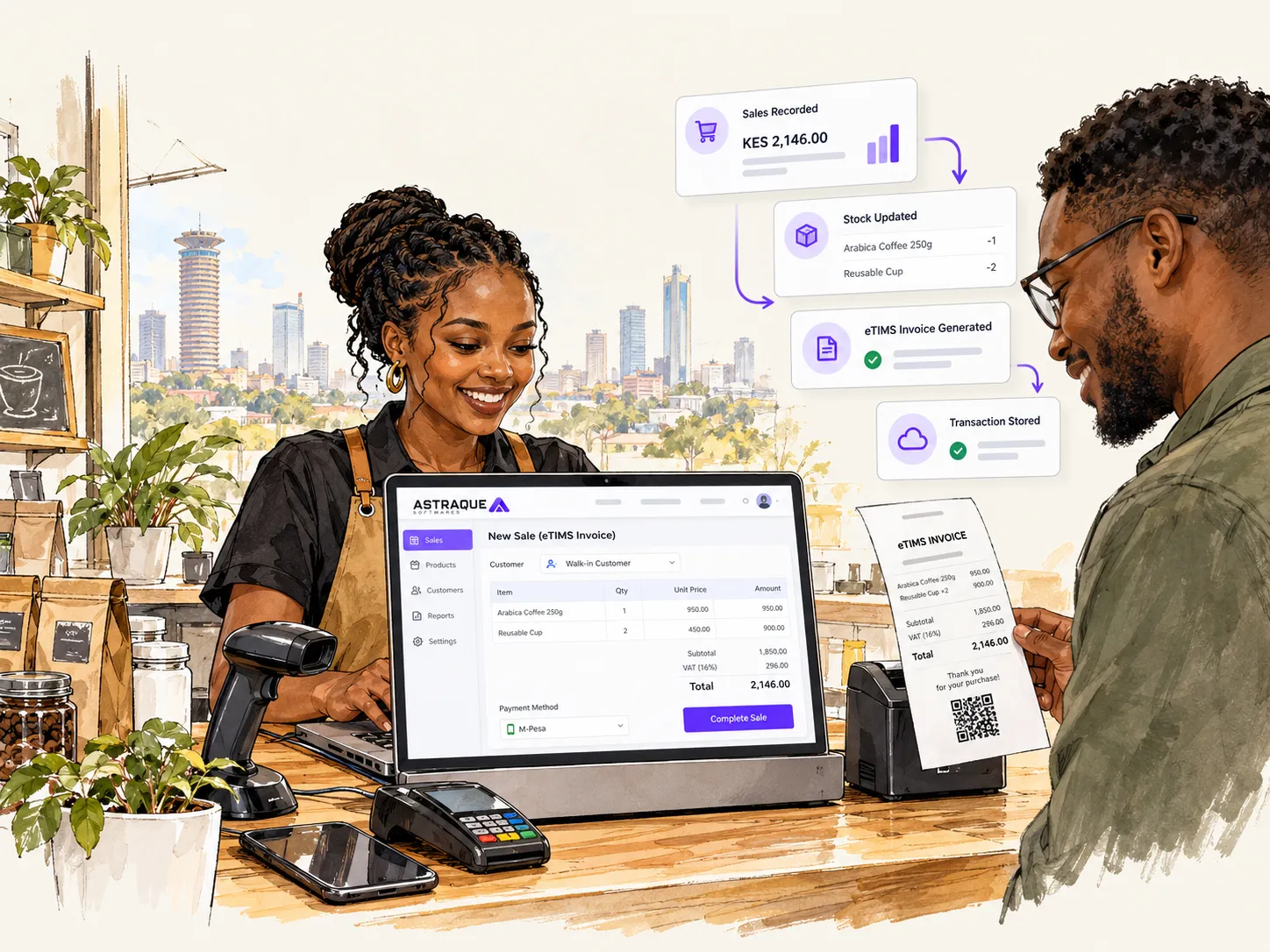
Imagine a supermarket cashier completing a sale.
The cashier records the items in the POS system.
The POS reduces inventory.
The customer pays.
The sale is included in the day's revenue.
The business also needs the correct electronic tax invoice.
If these processes happen in separate systems, staff may end up entering the same information several times.
That creates unnecessary work and increases the chance of mistakes.
The problem becomes even bigger when a business has multiple tills, several branches or hundreds of transactions every day.
This is where POS and ERP integration becomes valuable.
Integrating eTIMS with your POS or ERP system
KRA supports system-to-system eTIMS integration for businesses that already use their own invoicing systems.
The two commonly referenced integration approaches are OSCU and VSCU.
OSCU, or Online Sales Control Unit, is intended for systems that operate online.
VSCU, or Virtual Sales Control Unit, can support businesses whose invoicing systems have different connectivity and transaction requirements.
The appropriate solution depends on how the business operates.
Integration allows a business system to incorporate electronic invoicing into the sales process rather than treating invoicing as a separate task.
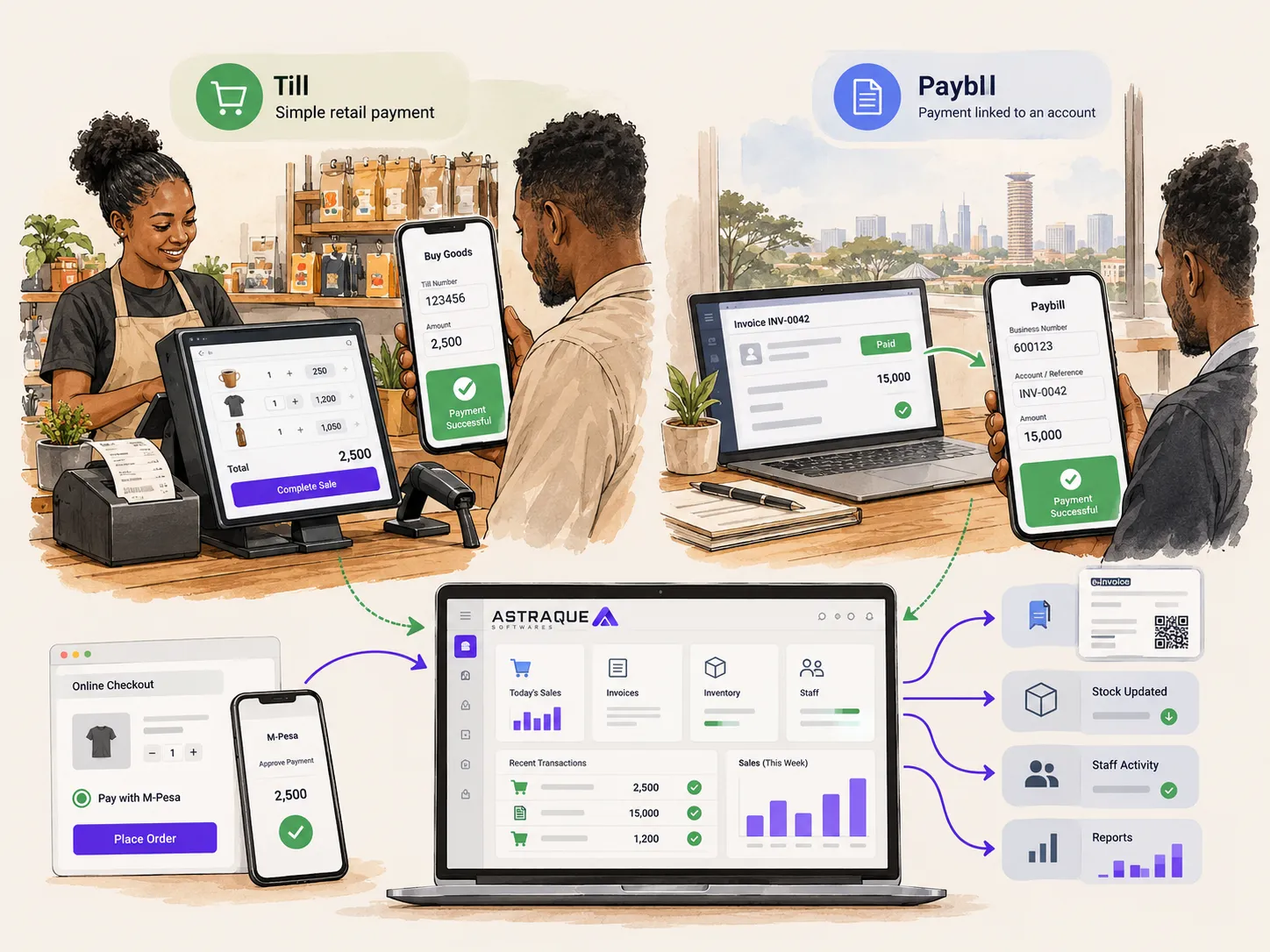
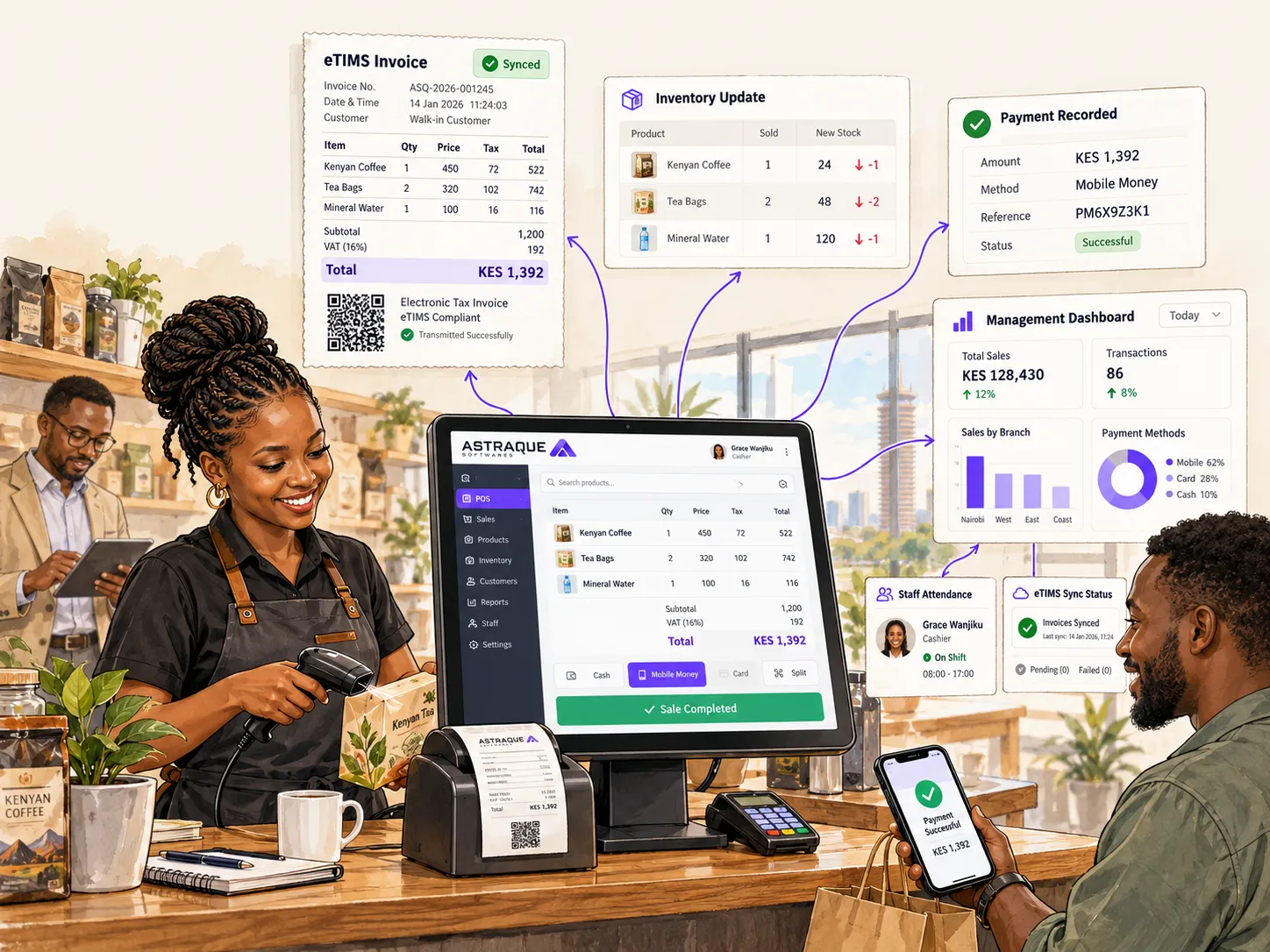
For example, completing a sale in a properly designed POS could trigger several actions within the same workflow:
- Record the transaction
- Update stock
- Record the payment
- Update sales reports
- Associate the sale with the cashier
- Produce the appropriate invoice
- Store the transaction for future reporting
That is much more efficient than managing each process separately.
Your POS should do more than record sales
A modern POS system should give a business much more than a place to enter products and print receipts.
It can become the central system through which everyday operations are managed.
Depending on the business, that can include:
- Sales
- Inventory
- Purchasing
- Customer records
- Supplier management
- Employee permissions
- Branch management
- Attendance
- Real-time reports
- M-Pesa payments
- Tax invoicing
- Financial reporting
This is particularly useful for businesses that have outgrown spreadsheets or generic off-the-shelf POS software.
When a custom POS system makes sense
Not every business needs custom software.
If you operate one small shop with simple requirements, an existing POS package may already do everything you need.
Custom software becomes more useful when your processes are different from what standard software supports.
For example, you may have:
- Several branches
- Unique approval workflows
- Special inventory requirements
- Different employee permission levels
- Real-time attendance requirements
- M-Pesa integration
- Custom management reports
- Existing accounting software
- Multiple tills
- Industry-specific workflows
Instead of changing your entire business to fit the software, the software can be built around the way your business actually operates.
Astraque Softwares builds custom POS and ERP systems
Astraque Softwares develops custom POS and ERP systems for businesses that need more control over their operations.
A system can be designed around your actual sales workflow and bring together areas such as inventory, reporting, staff management, attendance, payments and invoicing.
For businesses processing a large number of transactions, this can remove much of the repetitive work involved in operating separate systems.
Where eTIMS integration is required, the implementation must follow the applicable KRA technical and certification requirements.
The goal is not simply to replace the eTIMS portal.
It is to create a business system where invoicing becomes a natural part of the transaction.
Keep eTIMS simple
If your business only generates a few invoices, the available eTIMS tools may already be all you need.
Start by making sure your business is correctly onboarded, register your products and services, capture the right customer information and verify every transaction before saving it.
As your business grows, however, the real challenge changes.
It is no longer just about how to generate an eTIMS invoice.
It is about how to connect invoicing with the rest of your sales, inventory, payments and reporting without forcing employees to repeat the same work.
That is where a properly integrated POS or ERP system can make a major difference.